
How to Silence Microwave Beep (All Brands): The Ultimate 2026 Guide
You are heating up a midnight snack. The house is completely quiet. You watch the timer count down—3, 2, 1—and you lunge for the door handle to open it before it hits zero. If you miss, your appliance blasts five piercing, unskippable beeps that echo through your entire home, waking up everyone in the house.
Whether you are trying not to wake a sleeping baby, or you live in tight quarters like a dorm or a camper van (read our Best Microwave for RV and Van Life guide), silencing that alarm is a top priority.
Most modern microwaves actually have a hidden “Silent Mode.” However, manufacturers rarely make the mute button obvious. This guide reveals exactly how to silence microwave beep sounds using secret keypad codes across all major brands, and what to do if your appliance stubbornly refuses to be quiet.
The Quick Answer
If your microwave doesn’t have a dedicated “Sound” button, the mute function is likely hidden as a secondary feature on the number pad. To silence the beep, try pressing and holding the “0”, “1”, “2”, or “8” key for three to five seconds. Alternatively, hold the “Stop / Clear” button. If the screen flashes “Sound Off,” “Mute,” or displays a small speaker icon with a slash, your appliance is now successfully silenced.
The “Secret” Universal Mute Codes
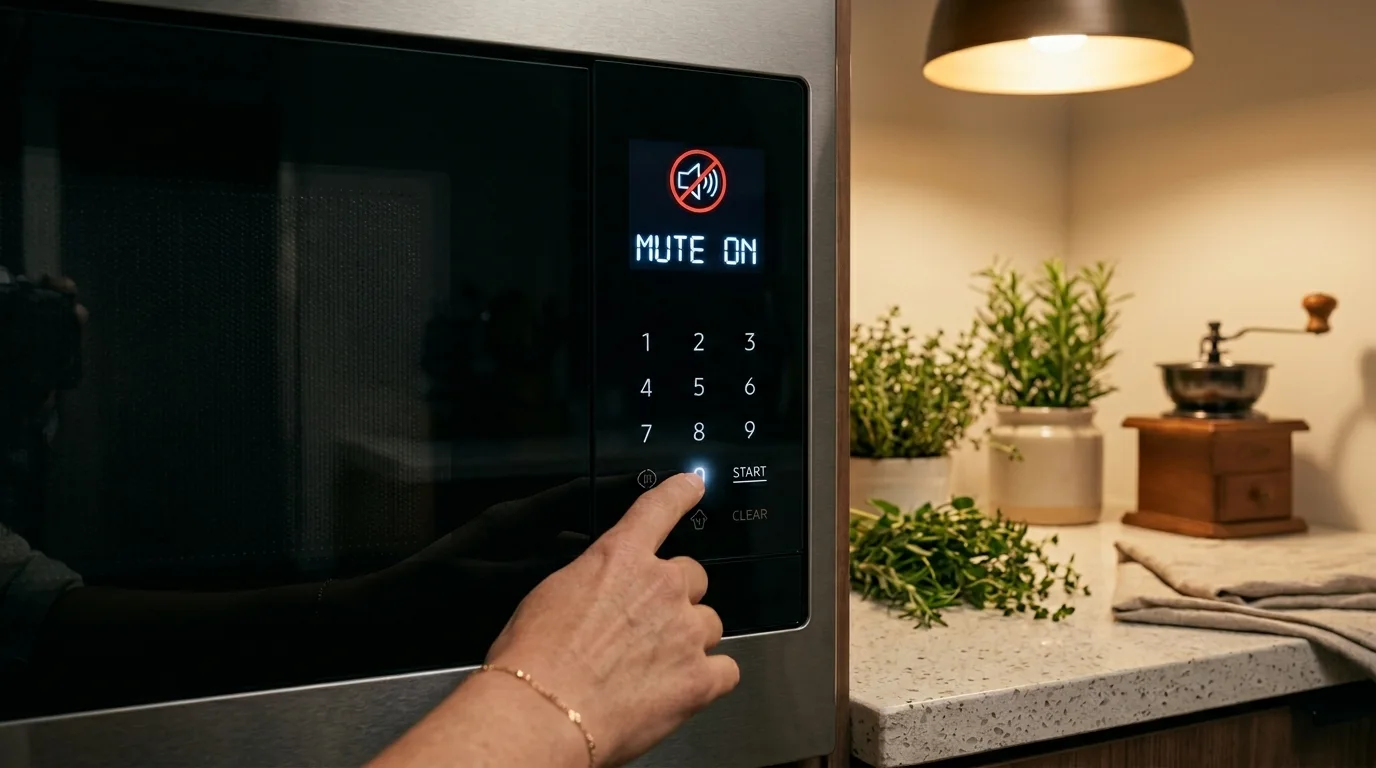
Before digging through your kitchen drawers for the physical owner’s manual or trying to find a PDF online, try the most common universal shortcuts. Appliance manufacturers frequently share motherboard designs and firmware protocols, meaning many manufacturers hide the mute function behind the exact same standard keypad numbers.
To test these, make sure the microwave is not currently running. The display should show the clock or be blank. Try pressing and holding the following buttons firmly for 3 to 5 seconds until you hear a confirmation beep or see a change on the LED display:
This is the most common hidden mute button across various brands, especially on mid-tier countertop models. It often toggles the sound directly on or off without entering a menu.
Often used by Whirlpool and Frigidaire to cycle through volume levels. Holding it may cycle the settings from High, to Low, and finally to Mute.
A secondary secret code used by several budget and white-label brands (such as Magic Chef or Farberware) manufactured in the same overseas facilities.
Holding the cancel button often activates the “Child Lock” feature, locking the control panel entirely. However, on some models, holding it for 5 seconds explicitly mutes the appliance.
Brand-Specific Mute Cheat Sheet
If the universal codes failed, your machine likely requires you to navigate a digital sub-menu. You need the specific sequence for your manufacturer. Use this quick reference table to find the exact steps for your brand.
| Microwave Brand | Step-by-Step Mute Instructions |
|---|---|
| GE (General Electric) | Press the Beeper Volume button repeatedly until the screen displays “OFF”, or press the dedicated Sound button once if available. |
| Whirlpool | Press the Options or Setup button. Press the number for “Sound/Tones” (usually 2 or 3). Select “OFF”. |
| Panasonic | Press Prog (Program). Press 0 twice. Press Prog again to save. (For models that are inherently silent by design, see our Best Quiet Microwaves guide). |
| Samsung | Press the dedicated Sound button. If your model lacks one, press Options, select “Sound”, and toggle it to off. On smart models, this can be done via the SmartThings app. |
| LG | Press Custom Set or Settings. Press 2 for “Sound”. Press 2 again to select “OFF” and hit Start to save. |
| Breville | Breville is a consumer favorite because they simply put a Mute button located directly on the main control panel or hidden just inside the door rim. Press it once. |
Smart Microwaves: The App Solution
If you purchased your appliance in the last few years, there is a high chance it is Wi-Fi enabled. Brands like Samsung, GE, and LG now allow you to bypass the physical keypad entirely. By opening the companion app (like Samsung SmartThings or GE SmartHQ) on your smartphone, you can access the appliance settings and toggle the “End of Cycle Tone” off permanently.
The Hard Truth: What If It Cannot Be Muted?
Here is the frustrating reality: not all microwaves can be silenced.
If you have tried every code above and combed through your manual to no avail, your microwave’s motherboard likely lacks a programmed mute function entirely. Why? For decades, the piercing 70-decibel beep was considered a safety feature. Manufacturers intentionally made it unskippable so that consumers would not forget food inside the cavity, which could spoil or pose a bacterial hazard.
This “forced beep” is incredibly common with older models built before 2015, extremely cheap budget appliances, and all mechanical dial units (which use a physical bell rather than a digital speaker).
Crucial Safety Warning
If your appliance lacks a mute button, you may be tempted by online DIY forums that suggest taking the cover off to find the internal piezoelectric buzzer (the small black cylinder on the circuit board that makes the noise) and physically cutting its wires or filling it with hot glue.
Do not attempt to unscrew the microwave casing to physically cut the wires to the internal speaker.
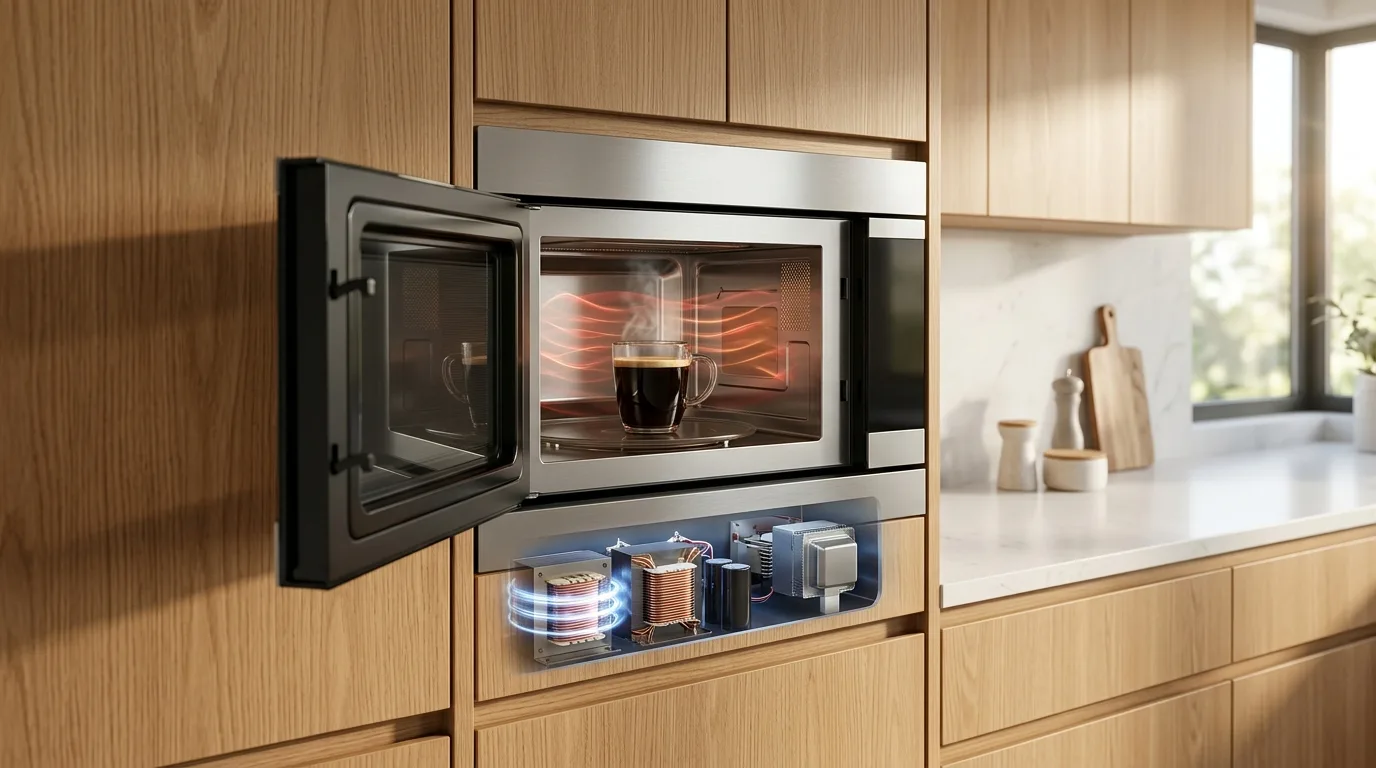
Unlike a toaster or a coffee maker, microwaves house a High-Voltage Capacitor. This specific component stores a lethal electrical charge (often over 2,000 volts) long after the appliance is completely unplugged from the wall. Modifying internal components without safely discharging the capacitor first is a severe, life-threatening shock hazard and a massive fire risk.
If your appliance is making strange electrical noises, snapping sounds, or emitting sparks, it is a hardware failure, not a speaker issue. Read our emergency troubleshooting guide on Microwave Sparking Inside: Causes and Fix before taking any action.
The Ultimate Solution: Upgrade to a Quiet Model

If you absolutely cannot stand the loud, unskippable five-beep sequence of your current appliance, and the hidden codes did not work, it is time for a hardware upgrade.
Modern appliance manufacturers have finally listened to consumer complaints. They realize that in open-concept floor plans, a screaming microwave ruins the ambiance of the home. Today, many new models feature glorious, clearly labeled “Sound On/Off” buttons right on the front panel.
But true silence goes beyond just muting the end-of-cycle beep. If you are extremely sensitive to noise, you should look for a microwave designed entirely around acoustics. These premium models feature:
- Inverter Technology: Instead of the loud, grinding “hum” of an old magnetic transformer turning on and off, an Inverter delivers a smooth, quiet, and continuous flow of power.
- Acoustic Dampening: Extra insulation around the exhaust fan to muffle the sound of rushing air while the food cooks.
- Soft-Close Doors: No more aggressive “slamming” sounds when you shut the microwave door. The hinges catch the door and close it silently, just like high-end kitchen cabinetry.
Ready to Bring Peace Back to Your Kitchen?
Stop waking up your family. If your current microwave refuses to be silenced, check out our comprehensive reviews of the models engineered specifically for low decibel operation.
Read: Best Quiet Microwave Ovens (Low Noise Models)FAQ: How to Silence Microwave Beeps
2026 Guide: Muting Alarms and Disabling Sounds
Quick Tip: If the “0”, “1”, or “Stop” buttons don’t work, try holding the “8” or “9” key. Manufacturers sometimes hide the mute function there!
Explore More Microwave Hacks
Don’t stop here! Visit our complete hub for more expert culinary tips, hidden appliance features, and updated buying recommendations for 2026.

