
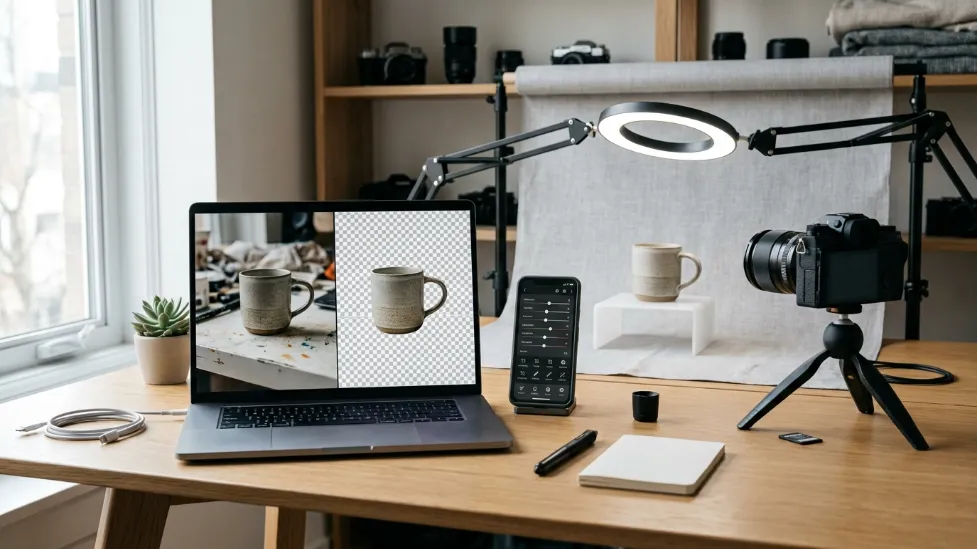
How to Remove Background from Images Without Photoshop (2026 Guide)
Professional-looking images are no longer reserved for graphic designers. Thanks to modern AI-powered editing tools, almost anyone can remove the background from a photo in seconds—without learning Photoshop or paying for expensive design software.
Whether you’re selling products online, creating YouTube thumbnails, updating your LinkedIn profile, designing social media graphics, or building marketing materials, a clean background can dramatically improve the appearance of your images. In the past, removing a background meant spending several minutes—or even hours—carefully tracing subjects with Photoshop’s Pen Tool or Magic Wand. While those methods still work, artificial intelligence has transformed the process into something almost anyone can do with a few clicks.
Today’s AI background removal tools automatically identify people, products, animals, clothing, furniture, and hundreds of other objects with impressive accuracy. The result is faster workflows, cleaner visuals, and more time to focus on creating content instead of editing it. In this guide, you’ll learn when background removal makes sense, which methods are available, and how to choose the right approach based on your needs.
The Quick Answer
You no longer need Photoshop to create transparent images. Web-based AI tools like Pokecut and built-in features in Canva use advanced machine learning algorithms to automatically detect subjects and erase backgrounds in seconds. These modern tools are perfect for e-commerce listings, YouTube thumbnails, and marketing materials. For the absolute best results, start with high-contrast, well-lit photos, and always export your final image as a PNG or WebP file to preserve the transparency matrix.
I. Why Remove Backgrounds from Images?

A distracting background can pull attention away from the subject of your image. Removing it creates a cleaner, more professional appearance that works across websites, marketplaces, presentations, and social media platforms. Today, background removal has become one of the most common editing techniques because it improves both visual quality and communication. Instead of competing with busy surroundings, your product, portrait, or design becomes the clear focal point.
Online shoppers can’t touch or inspect products in person. High-quality product images become one of the biggest factors influencing purchasing decisions. Removing distracting backgrounds allows customers to focus entirely on the product itself. This is why marketplaces like Amazon, Etsy, Shopify, and many e-commerce websites frequently recommend clean or white backgrounds for product listings.
Businesses use transparent background images for advertisements, flyers, presentations, email campaigns, landing pages, product catalogs, and website banners. Without background distractions, graphics appear cleaner and easier to integrate into different layouts. Marketing teams often prepare a single transparent PNG that can be reused across dozens of seasonal campaigns.
Content creators constantly reuse images across platforms. A background-free image makes it much easier to create Instagram graphics, Facebook posts, Pinterest Pins, TikTok covers, YouTube thumbnails, and LinkedIn banners. Instead of taking new photos every time, creators simply place the same cutout onto different backgrounds, creating a more consistent visual identity.
If you’re planning to photograph products yourself, our guide to How to Take Professional Product Photos at Home (2026 Guide) explains how to create studio-quality images using affordable equipment before you even start the editing process.
II. When You Should Remove an Image Background
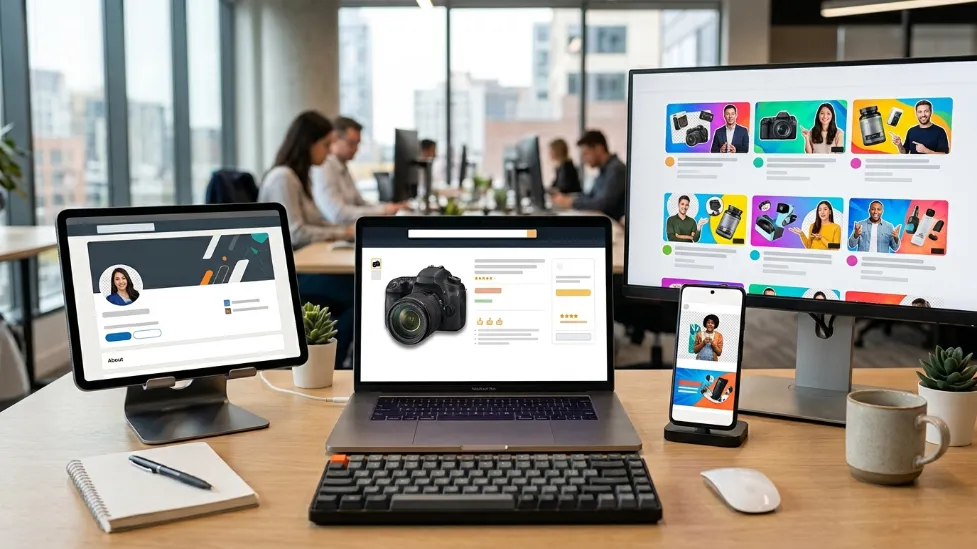
Although background removal is incredibly useful, it isn’t necessary for every photograph. Understanding when it adds value—and when it doesn’t—helps produce more natural-looking images.
- E-commerce Listings: Marketplaces often prefer simple product images that highlight the item without distractions. A transparent or white background creates a cleaner appearance and keeps the customer’s attention where it belongs.
- YouTube Thumbnails: Many successful YouTubers remove themselves—or the main product—from the original background before creating custom thumbnails. This allows them to add bold colors, graphics, arrows, text, and effects. The result is a thumbnail that’s more eye-catching and easier to recognize on mobile devices.
- Business Presentations: Transparent product images look significantly more professional inside PowerPoint, Google Slides, pitch decks, and training materials. Without background clutter, slides appear cleaner and easier to understand.
- Personal Branding: Freelancers, consultants, speakers, coaches, and entrepreneurs often remove backgrounds when creating profile photos for personal websites, online portfolios, course platforms, speaker pages, and press kits. Many professionals replace busy office or outdoor backgrounds with simple white, gray, or branded colors.
Removing backgrounds has become one of the fastest ways to elevate the quality of almost any visual project. Fortunately, Photoshop is no longer the only option available.
III. Different Ways to Remove Backgrounds
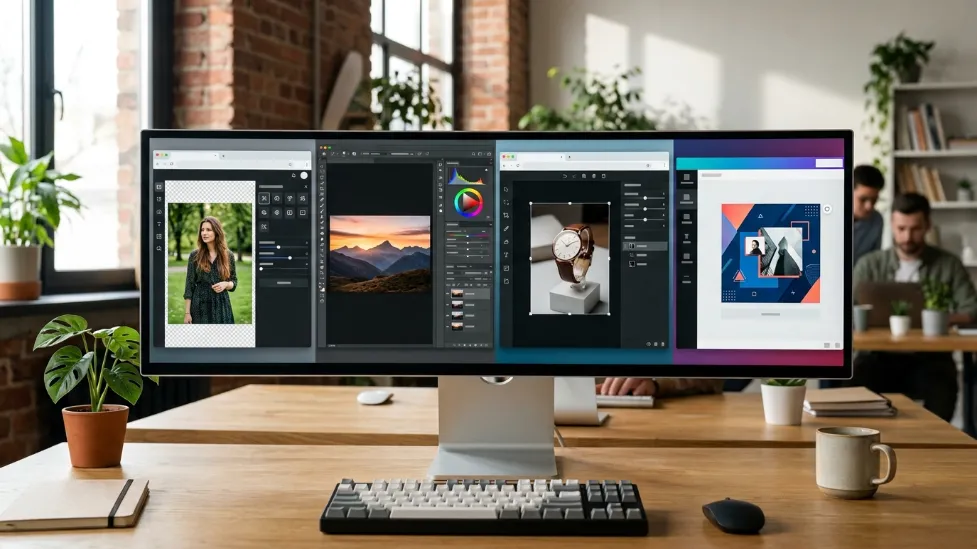
There isn’t a single “best” method for removing image backgrounds. The right approach depends on your experience level, the complexity of the image, and how much control you need over the final result. Let’s look at the most popular methods dominating the design world in 2026.
AI Background Removal Tools (The Modern Standard)
Artificial intelligence has completely changed how background removal works. Instead of manually selecting objects or tracing outlines, AI models use advanced neural networks to automatically recognize the subject of an image and separate it from the background within milliseconds.
Modern AI can accurately detect people, clothing, shoes, electronics, kitchen appliances, food, jewelry, furniture, pets, vehicles, and plants. For small business owners and online sellers, AI dramatically reduces editing time while producing consistent results across hundreds of product photos.
Many AI editors also include automatic edge refinement, shadow preservation, and transparent PNG export, eliminating much of the manual cleanup traditionally required.
Canva Background Remover
Canva has become one of the most popular design platforms for beginners. Its background removal feature is integrated directly into the editing workflow, making it incredibly easy to create social media graphics, presentations, flyers, posters, marketing materials, and business cards.
Users can remove a background and immediately continue designing without switching between multiple applications. While Canva’s AI performs well for many everyday images, highly detailed subjects (like frizzy hair or transparent glass) sometimes require additional manual adjustments.
Using Photoshop (The Traditional Method)
Adobe Photoshop remains one of the most powerful image editing applications available. Professional photographers and graphic designers often rely on Photoshop because it offers complete, pixel-perfect control over every aspect of an image.
Tools like Select Subject, Remove Background, the Pen Tool, Layer Masks, and the Quick Selection Tool allow editors to handle incredibly difficult subjects such as hair, fur, transparent objects, glass, smoke, and complex shadows.
The tradeoff is massive complexity. Learning Photoshop requires time, practice, and often a paid subscription. For occasional users who only need to remove a few backgrounds each month, Photoshop may simply offer more features than necessary.
IV. Photoshop vs AI Background Removal
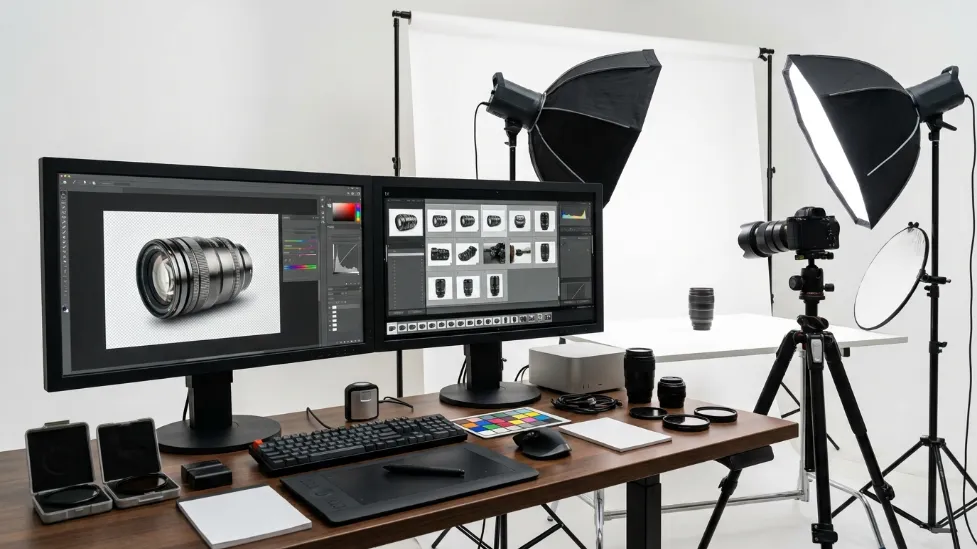
Both Photoshop and AI-powered editors have their unique strengths. Here is a direct comparison to help you choose the right tool for your workflow.
| Feature | AI Tools (Pokecut, Canva) | Adobe Photoshop |
|---|---|---|
| Ease of Use | Excellent (1-Click) | Moderate to Difficult |
| Processing Speed | Very Fast | Slower (Requires manual input) |
| Learning Curve | Very Low | High |
| Manual Edge Editing | Limited | Excellent (Pixel-perfect) |
| Best Used For | E-commerce, Social Media, Casual Users | Professional Graphic Designers |
For most people, AI has become the most practical solution. If your goal is creating clean product photos, social media graphics, online listings, or marketing materials, AI tools usually deliver more than enough quality while saving significant editing time.
V. Best Practices & Common Mistakes
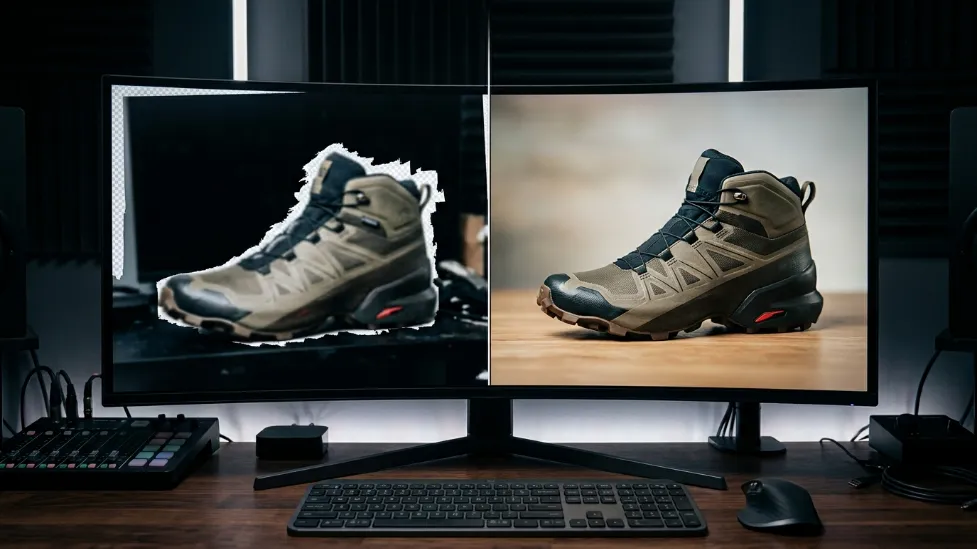
Successfully removing the background is only the first step. A transparent background alone doesn’t automatically create a professional-looking image. The quality of the final image depends heavily on what you do afterward, and the quality of the original file you uploaded.
1. Add a Clean Background & Realistic Shadows
One of the biggest mistakes beginners make is leaving transparent images without considering where they’ll be used. Objects rarely appear natural when they’re floating without shadows. Adding subtle shadows creates depth and makes products feel grounded.
Choose a background that matches the purpose of the image: white backgrounds for e-commerce, soft gray for business presentations, brand colors for marketing, and simple gradients for YouTube thumbnails. After replacing the background, ensure you match the brightness, contrast, white balance, and overall color temperature of the new environment.
2. Export in the Right Format (PNG vs JPEG)
Different projects require different file formats. If you export a transparent image as a standard JPEG, the software will automatically fill the empty space with a solid white block, completely ruining your work.
- PNG: The absolute best choice for preserving a transparent background matrix with high quality.
- WebP: Offers excellent transparency and compression for websites looking to boost SEO load speeds.
- JPEG: Works well for standard photos where transparency is no longer needed (after you have applied a new, solid background).
Common Mistake: Using Low-Quality Photos
Even the best AI editor can’t completely fix a poor-quality photo. AI algorithms perform best when they have a clear, high-contrast subject to analyze. Blurry, noisy, poorly lit, or low-resolution images often produce rough edges, missing details, or inaccurate cutouts.
Before removing the background, make sure your photo is sharp, properly exposed, and free from excessive motion blur. If you are struggling with poor edge detection, the problem is likely your camera setup, not the software. Our guide on the How to Edit Product Photos with AI (2026 Guide) covers techniques like color correction, upscaling, and automatic retouching to fix these issues.
VI. Build a Better Product Photography Setup
Background removal works best when combined with good photography. Instead of relying entirely on editing software, improving your shooting setup makes AI tools significantly more accurate and drastically reduces cleanup work. Fortunately, creating a professional home photography setup doesn’t require a commercial studio.
1. Improve Your Lighting
Lighting is the single biggest factor affecting image quality. Soft, even lighting reduces harsh shadows while making product edges significantly easier for AI to detect.
For small products, a dedicated light box provides consistent illumination. See our Best Light Boxes for Product Photography (2026) guide. For larger portraits, ring lights are ideal. Check our Best Ring Lights for Product Photography roundup.
2. Stabilize Your Camera
Using a tripod eliminates camera shake, ensuring the sharpest possible edges for the AI to trace, while keeping framing consistent between multiple images.
If you’re building a mobile photography setup, check out our guide to Best Smartphone Tripods for Product Photography (2026).
3. Choose the Right Backdrop
Neutral photography backdrops reduce distractions and make background removal mathematically easier for AI algorithms. Solid white, gray, or light-colored backdrops generally produce the absolute cleanest cutouts.
Compare different studio materials in our Best Photography Backdrops for Product Photos review.
4. Upgrade Your Gear
While smartphones are incredible, clip-on lenses can capture sharper product details. For high-end e-commerce, a dedicated DSLR with a larger image sensor provides unbeatable dynamic range.
Explore our Best Camera Phone Lenses guide, or upgrade completely with our Best Cameras for Product Photography (2026) guide.
Frequently Asked Questions
Can I remove a photo background without Photoshop?
Yes. Modern AI-powered tools, Canva, and many browser-based editors allow you to remove backgrounds automatically without using Photoshop. For most users, these solutions are significantly faster and much easier to learn.
What is the easiest way to remove a background from an image?
AI-powered background removers are currently the easiest option. They automatically detect the main subject and separate it from the background with little or no manual editing. Tools like Pokecut are an example of this approach, making background removal simple even for beginners.
Is AI background removal accurate?
For most photos, yes.
Modern AI performs extremely well with products, portraits, pets, clothing, furniture, electronics, and everyday objects.
Images containing fine hair, transparent materials, reflections, or smoke may still benefit from small manual adjustments.
What’s the best image format after removing a background?
PNG is generally the best option because it supports transparent backgrounds without reducing image quality.
JPEG is better for standard photographs that don’t require transparency.
WebP is an excellent choice for websites because it provides smaller file sizes while maintaining high visual quality.
Can I use my smartphone to create professional product photos?
Absolutely.
Modern smartphones combined with good lighting, a stable tripod, and proper editing can produce excellent product photography suitable for online stores, marketplaces, and social media.
Do I still need Photoshop in 2026?
For many users, no.
If your primary goal is removing backgrounds, creating marketing graphics, editing product photos, or preparing social media content, AI-powered editors and online tools can handle most everyday tasks quickly and efficiently.
Professional designers who require advanced compositing, detailed retouching, or complex graphic design projects may still benefit from Photoshop’s advanced features.
Do I still need Photoshop in 2026?
For many users, no.
If your primary goal is removing backgrounds, creating marketing graphics, editing product photos, or preparing social media content, AI-powered editors and online tools can handle most everyday tasks quickly and efficiently. For example, Pokecut offers an AI-powered background remover that automatically detects the main subject and removes the background in just a few clicks. If you’re working with multiple photos, its batch editing feature can remove backgrounds from up to 50 images at once, making it a practical option for sellers, marketers, and content creators.
Professional designers who require advanced compositing, detailed retouching, or complex graphic design projects may still benefit from Photoshop’s advanced features.

