
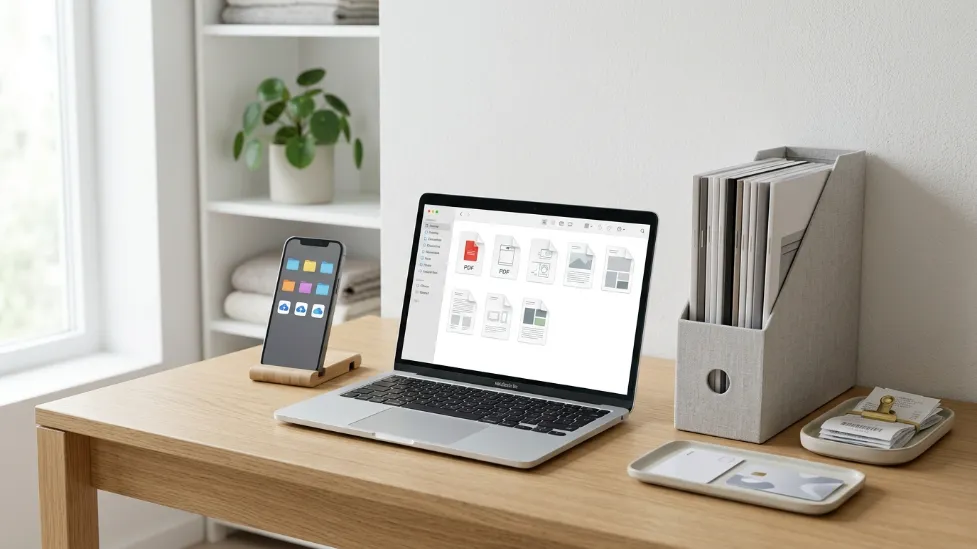
How to Organize Appliance Manuals Digitally (2026 Guide)
Buying a new appliance is exciting. Organizing the paperwork that comes with it usually isn’t. Whether it’s a new microwave, refrigerator, coffee machine, vacuum sealer, air fryer, washing machine, or mini fridge, every appliance arrives with a stack of documents. Before long, those papers end up stuffed inside kitchen drawers, filing cabinets, random folders, or worse—they disappear completely.
Most homeowners don’t realize how valuable those manuals become until something goes wrong. Perhaps your microwave suddenly displays an unfamiliar error code. Maybe your coffee maker stops brewing correctly, or your refrigerator starts making unusual noises. The first question is usually, “Where’s the manual?” Unfortunately, that’s often when people discover they no longer have it.
Losing appliance documentation creates more than a minor inconvenience. Instruction manuals often contain maintenance schedules, troubleshooting steps, warranty requirements, replacement part numbers, installation diagrams, and safety information that can save both time and money. The good news is that building a digital appliance manual library is surprisingly easy, completely free, and will save you hours of stressful searching.
The Quick Answer
Instead of digging through disorganized kitchen drawers during an appliance breakdown, you can build a permanent, searchable digital library in one afternoon. Gather all your manuals, receipts, and warranty cards. Use a smartphone or a portable document scanner to digitize them into OCR-searchable PDFs. Organize the files logically by room (e.g., Kitchen, Laundry, Garage) and use strict, consistent naming conventions. Finally, utilize cloud storage and the 3-2-1 Backup Rule to ensure you can access your appliance’s exact model number or troubleshooting guide from your phone, anywhere in the world.
I. Why You Should Organize Appliance Manuals Digitally
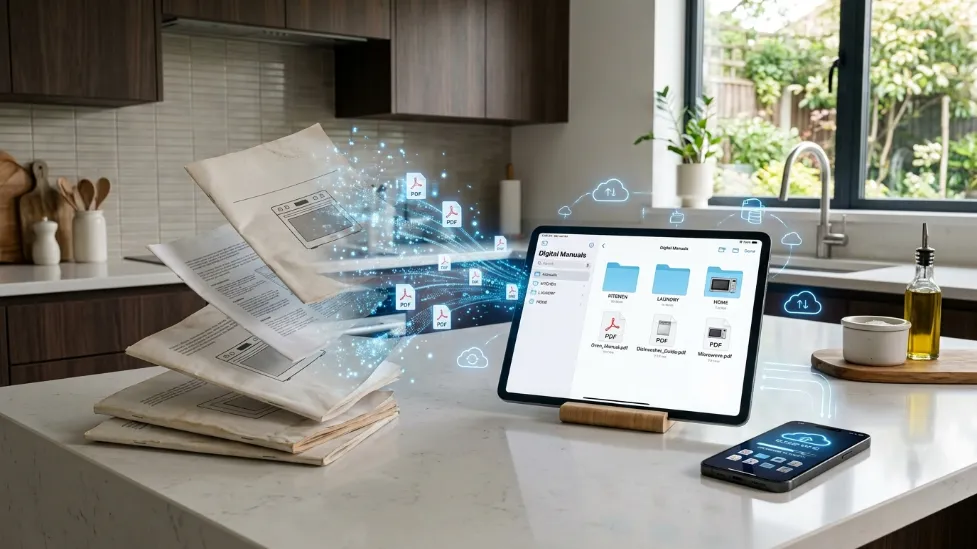
Digital organization is no longer something reserved for businesses. It’s one of the easiest ways to simplify everyday life at home. Every year, households accumulate dozens of instruction manuals, warranty cards, receipts, and maintenance guides. While each document seems small on its own, they quickly create clutter that’s difficult to manage.
Imagine your air fryer stops working eight months after purchase. Instead of searching through multiple drawers looking for the faded thermal receipt, you simply open a folder on your phone and immediately find the purchase receipt, warranty card, instruction manual, product serial number, and customer support information. The entire warranty process becomes significantly faster.
Modern appliances include dozens of features that many owners never fully explore. Digital manuals make it easy to search for specific words like “Error codes,” “Filter replacement,” or “Reset procedures.” Instead of flipping through fifty printed pages, a searchable PDF can locate the exact section within seconds.
Perhaps the biggest advantage is convenience. Cloud storage allows appliance manuals to travel with you. Need the dimensions of your microwave while shopping for a cabinet? Want to confirm your refrigerator’s water filter model while standing in a hardware store? Instead of guessing, simply open your digital library.
II. The Setup: Gathering and Scanning Your Documents
Step 1 – Gather Every Manual
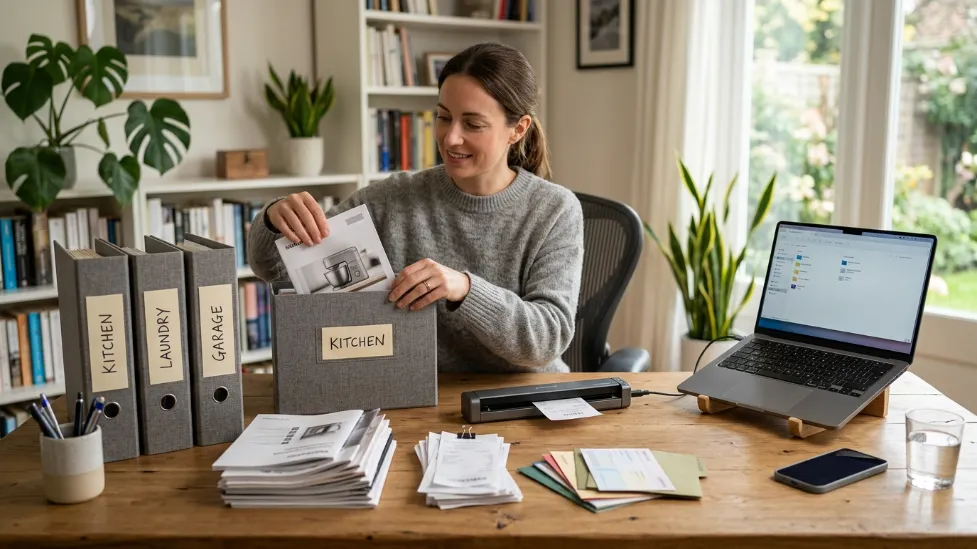
Before scanning or organizing anything, the first step is collecting every appliance-related document you already own. Most households underestimate how many appliance documents they have scattered throughout the home. Manuals are often stored wherever the appliance was first unpacked. Check your kitchen junk drawers, utility room shelves, moving boxes, and safe deposit folders.
Photograph Model and Serial Numbers
One of the smartest habits is photographing the appliance information label before you need it. Most manufacturers place model and serial numbers in locations that are difficult to access, such as behind refrigerators, inside microwave doors, under coffee machines, or behind washing machines. Instead of moving heavy appliances every time customer support asks for a serial number, take a clear photo now and store it with the manual.
Step 2 – Scan Everything
Once you’ve gathered your paperwork, it’s time to digitize it. The goal isn’t simply creating PDF files—it’s creating documents that remain readable, searchable, and easy to access for years. Many smartphones include excellent built-in document scanning features that automatically detect page edges, improve contrast, remove shadows, and export clean PDFs.
For larger collections, portable document scanners can make the process much faster by handling multiple pages automatically while producing consistent image quality.
If you’re planning to digitize tax records, warranties, family documents, or other household paperwork in addition to appliance manuals, investing in a dedicated scanner can save significant time. Readers interested in comparing different options can explore our guide to the Best Portable Document Scanners to learn which features matter most.
Use OCR Whenever Available
OCR (Optical Character Recognition) converts scanned pages into searchable text. Instead of scrolling through dozens of pages looking for “Filter Reset,” you’ll simply search the document and jump directly to the correct section. Many modern scanning apps perform OCR automatically, making it one of the most valuable features for digital home organization.
III. Organizing and Accessing Your Digital Files
Step 3 – Organize Your Digital Files
Scanning documents is only half the job. Without a consistent organization system, digital clutter quickly replaces paper clutter. The easiest solution is creating folders based on locations inside your home rather than manufacturers. A room-based structure feels natural because that’s how most people think when looking for appliances.
├── Kitchen/
│ ├── Microwave_Toshiba_EM131.pdf
│ ├── Refrigerator_Samsung_Bespoke.pdf
│ ├── Air_Fryer_Ninja_Receipt.pdf
│
├── Laundry_Room/
│ ├── Washer_LG_FrontLoad.pdf
│ ├── Dryer_LG_Gas.pdf
│
├── Garage/
│ ├── Chest_Freezer_Danby.pdf
Use Consistent File Names: Random filenames like Manual.pdf or IMG_8392.jpg become impossible to identify after a few months. Instead, create descriptive names such as “LG_Microwave_Manual.pdf” or “Samsung_Refrigerator_Warranty.pdf”. Consistency in naming is the secret to a flawless search experience.
Step 4 – Turn PDFs Into an Interactive Manual Library
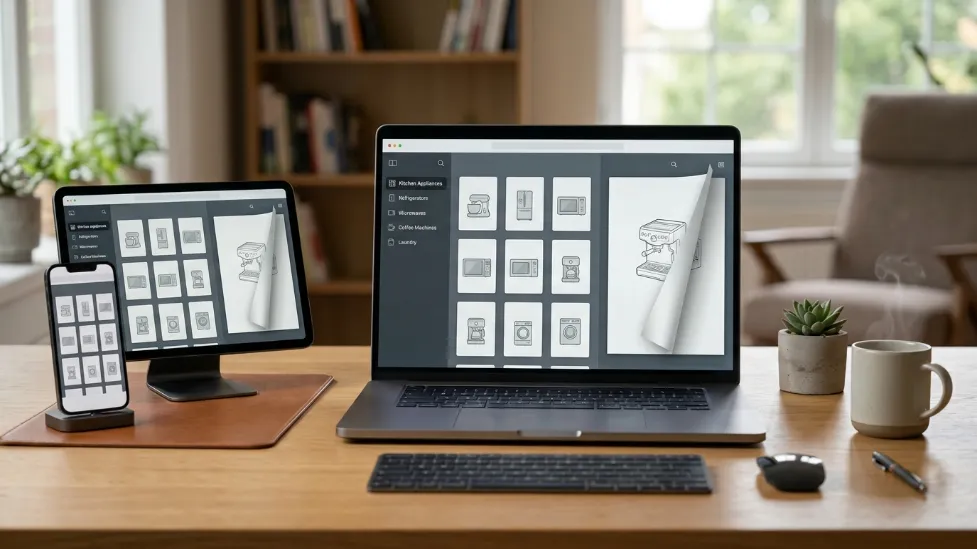
By this point, you’ve gathered your appliance documents, scanned them into high-quality PDFs, and organized them into logical folders. While this system is already far more efficient than storing paper manuals in drawers, there’s another way to make your collection even easier to browse.
Instead of keeping dozens of scattered PDF files inside different folders, many homeowners prefer turning their appliance manuals into an interactive digital library that feels more like flipping through a well-organized binder. Tools like ZipFlipbook can help transform ordinary PDF manuals into a flipbook-style library, making it simpler to navigate large collections without endlessly scrolling through files. This approach can be especially useful for households with multiple appliances, product guides, and warranty documents accumulated over several years.
If you want to build an even more complete organization system, our guide on How to Create a Kitchen Appliance Manual Library explains how to organize manuals by room, appliance category, and maintenance history for long-term household management.
IV. Long-Term Protection and Maintenance
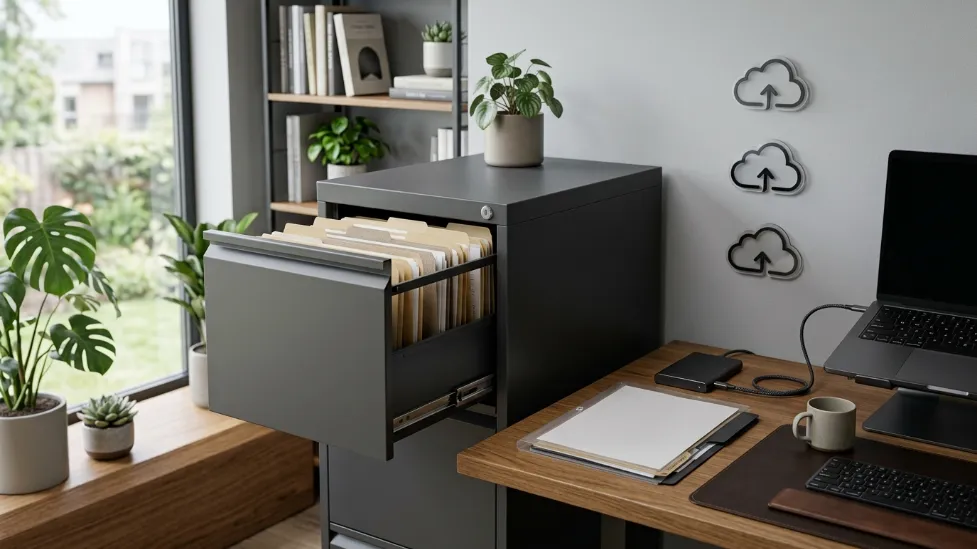
Step 5 – Backup Everything (The 3-2-1 Rule)
Creating a digital appliance manual library is only valuable if those files remain protected. Imagine spending several hours scanning manuals, receipts, warranty cards, and serial numbers only to lose everything because of a computer failure, a spilled cup of coffee, or accidental deletion. A reliable backup strategy prevents exactly that.
A popular recommendation among IT professionals is the 3-2-1 backup rule:
- Keep 3 copies of important files.
- Store them on 2 different types of storage (e.g., your laptop and an external SSD).
- Keep 1 copy off-site, such as in Cloud Storage (Google Drive, Dropbox, iCloud).
While digital backups protect scanned manuals, many homeowners still prefer keeping original receipts, warranty cards, and insurance documents inside a secure fireproof safe. Our guide to the Best Fireproof Document Safes compares reliable options for protecting important household paperwork.
Step 6 – Label Physical Documents
Going digital doesn’t necessarily mean throwing every piece of paper away. Some original documents should still be kept, particularly when manufacturers require physical proof for warranty claims or service requests, such as original thermal purchase receipts or extended warranty certificates.
Instead of keeping these documents loose inside random drawers, store them in clearly labeled folders or envelopes. A simple labeling system works well, such as “Kitchen Appliances” or “Laundry Room.”
A label maker can make your filing system cleaner, easier to maintain, and much faster to navigate. If you’re choosing one for your home office, check out our guide to the Best Label Makers for Home Organization.
Digital files work best alongside an organized physical filing system. Our guide to the Best Home Document Organizers compares folders, filing boxes, expanding files, and storage solutions that help keep important paperwork organized.
Common Mistakes to Avoid
Creating a digital appliance manual library is a great first step, but many homeowners unintentionally develop habits that make their system difficult to maintain over time.
- ❌ Throwing Manuals Away Immediately: While digital copies are incredibly convenient, always verify that you’ve successfully scanned every page before recycling the original. Some manuals include fold-out wiring diagrams or serial number stickers that can be easily overlooked.
- ❌ Keeping Everything in the Downloads Folder: The Downloads folder often becomes a catch-all location. Manufacturer manuals, invoices, warranties, recipes, and random documents quickly become mixed together. Move every appliance manual into its proper folder immediately after downloading it.
- ❌ Forgetting to Update Your Library: A digital manual library should grow with your home. Whenever you purchase a new appliance, make it part of your setup routine to scan the receipt, save the owner’s manual, photograph the serial number, and register the warranty.
V. Related Buying Guides for a Smarter Home
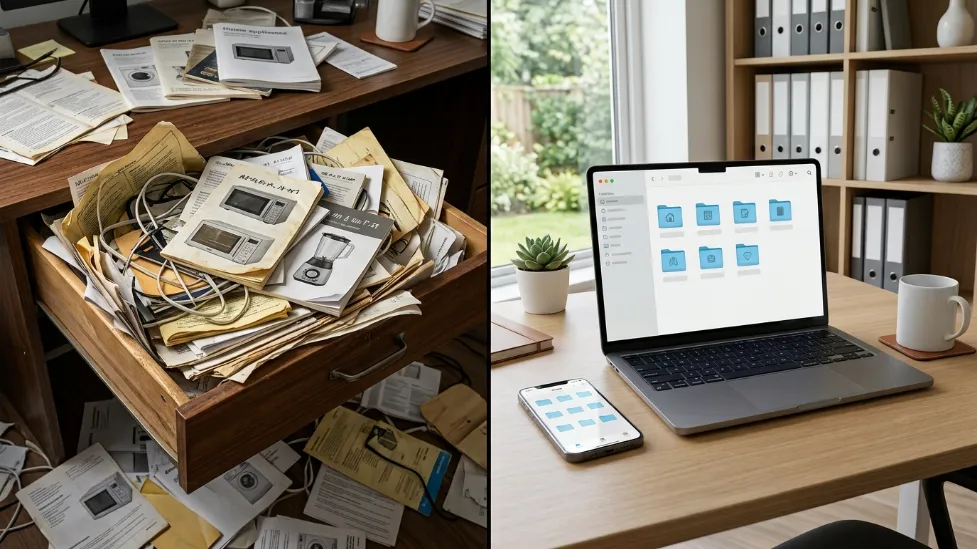
Organizing your appliance manuals is just the first step in creating a more efficient, stress-free household. If you are actively upgrading your kitchen appliances or building out your home office organization system, these expert guides will help you make informed, long-lasting purchasing decisions.
Kitchen Appliance Upgrades
If you are reading old manuals because your current appliances are failing, it might be time for an upgrade. Compare the top culinary technology before buying:
- LG vs Samsung Microwave: See which brand offers the best smart home ecosystem versus pure cooking performance.
- Panasonic vs Toshiba Microwave: A breakdown of Inverter technology versus budget-friendly reliability.
- Best Quiet Microwave Ovens: Find models with acoustic dampening to stop waking up your household.
- Best Microwave Drawer: Reclaim your counter space with these luxury, flush-mount appliances.
- Best Microwave Air Fryer Combo: Consolidate your gadgets with a 2-in-1 machine that actually crisps food.
Home Office & Organization
Take your digital and physical filing systems to the next level with the right hardware to protect your documents:
- Best Portable Document Scanners: Fast, reliable scanners perfect for digitizing massive stacks of warranties and receipts effortlessly.
- Best Label Makers for Home Organization: Create clean, fade-resistant labels for your physical filing cabinets and storage bins.
- Best Fireproof Document Safes: Protect your irreplaceable hard copies, passports, and insurance documents from disaster.
Frequently Asked Questions
Should I keep appliance manuals after scanning them?
Yes, at least temporarily. Verify that every page has been scanned clearly before recycling the original. For expensive appliances or warranty documentation, keeping the original manual in a labeled folder is often a good idea.
What’s the best way to organize appliance manuals digitally?
The simplest approach is organizing folders by room, such as Kitchen, Laundry, Garage, and Outdoor Appliances. Within each folder, store the manual, receipt, warranty, serial number photo, and any service records together. If you have a large collection of PDF manuals, tools like ZipFlipbook can also help transform your files into an interactive digital library that’s easier to browse and manage.
Where should I store digital appliance manuals?
Cloud storage services like Google Drive, Microsoft OneDrive, Dropbox, and iCloud make appliance manuals accessible from virtually any device. For added protection, it’s also a good idea to keep an offline backup on an external SSD or another secure storage device.
Should I scan receipts and warranty cards too?
Absolutely. Receipts often fade over time, making digital copies extremely valuable for future warranty claims or repairs. Warranty cards, registration confirmations, service invoices, and photos of appliance serial numbers should also be included in your digital manual library.
Can I organize manuals without buying a scanner?
Yes. Most modern smartphones include excellent built-in document scanning features that automatically crop pages, improve readability, and save documents as searchable PDFs. Dedicated document scanners simply make the process faster when digitizing large collections.
How often should I update my appliance manual library?
Review your digital manual library once or twice a year. Add documentation for new appliances, remove files for products you no longer own, verify your cloud and local backups, and update warranty or service records whenever maintenance is performed. Keeping your library current ensures you’ll always have the information you need when repairs or warranty claims arise.

